Page 1 of 1
Map Layers > 3D Terrain?
Posted: Mon Sep 15, 2025 1:17 pm
by Peobody
What is the functional use/purpose of the 3D Terrain option in "Map Layers" on the XT?
Re: Map Layers > 3D Terrain?
Posted: Mon Sep 15, 2025 1:38 pm
by Mzokk
Suppose its more visually pleasing in a lumpy area. In europe it turns on and off the DEM map layer.
On
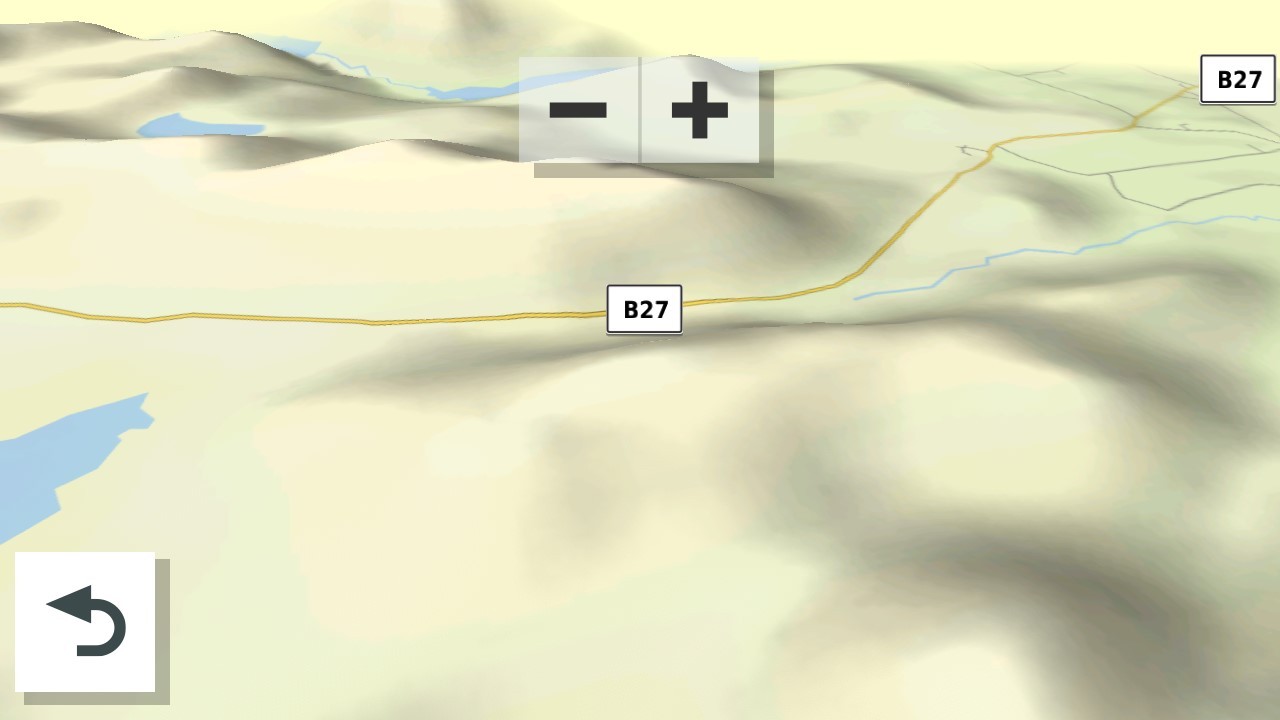
- 27295.jpg (69.93 KiB) Viewed 894 times
Off
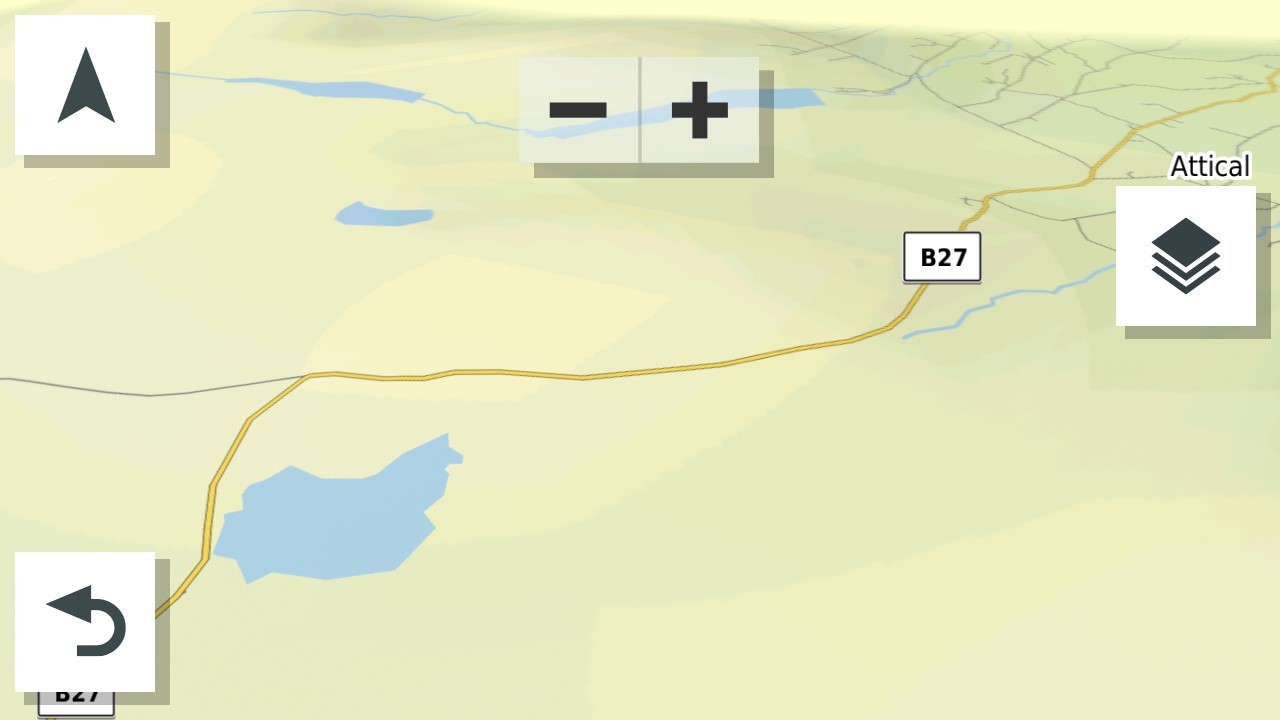
- 34840.jpg (56.52 KiB) Viewed 894 times
Re: Map Layers > 3D Terrain?
Posted: Mon Sep 15, 2025 1:58 pm
by Peobody
Ahh... 3D Terrain shows the lumps, Topographic shows the contour lines. Thanks @Mzokk .
Re: Map Layers > 3D Terrain?
Posted: Mon Sep 15, 2025 4:38 pm
by Mzokk
I use the term "Lumpy bits" advisedly the screenshots were of the "Mourne Mountains". Northern Ireland does not have high mountains and they are rather rounded by repeated glaciation. The largest mountain in Northern Ireland is Slieve Donard in the Mourne mountains and is only 2,790 ft tall. This is a picture of the mountains from High Ground (Slieve Croob) about 1/2 an hour from where I live. Donard is the leftmost in this picture and looks more impressive close up as it rises from the sea.

- IMG_20230727_140250062_HDR.jpg (657.38 KiB) Viewed 879 times
Re: Map Layers > 3D Terrain?
Posted: Mon Sep 15, 2025 6:37 pm
by Peobody
That looks like beautiful riding country. Mine is the Appalachian mountain range in the eastern U.S. Highest point is Mt. Mitchell at 6,684 feet (2,037 meters). I could reach it in under 4 hours but my routes to it are closer to 6 hours with it serving as a stop/snack/hike break while on the way to other parts of the mountains. I have just taken a look at the Mt Mitchel area with 3D Terrain enabled and immediately notice that the dark greens of high elevations makes it difficult to see the road lines of small mountain roads. I may have noticed this early in my XT usage, opted to leave it off, and had since forgotten the details of it. Thanks for the refresher.
BTW, the view angle of the "On" image in your first post is different from mine when 3d Terrain is enabled. What orientation are you using? I tested three three that are available via the map layers button and none seemed similar to your image. This has been my norm:
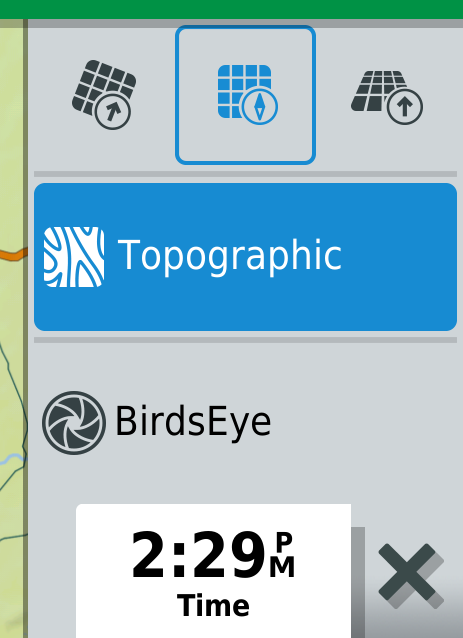
- CnP_15092025_143641.png (68.31 KiB) Viewed 870 times
Re: Map Layers > 3D Terrain?
Posted: Mon Sep 15, 2025 10:25 pm
by Mzokk
I choose the 3d orientation on the right. You can alter the angle of the 3d effect from nearly flat looking down to about 60 degree. To do this open the map and move it with one finger to bring up the -+ buttons at the top of the screen. Then with two fingers by sliding them up the screen the view becomes top down and by sliding them down the screen the angle of view becomes more shallow (within limits). I use it as shallow as possible as this allows the greatest indication of what is coming up. Also sometimes if I'm not running a route and using minor roads I use that map orientation together with the direction compass to roughly navigate on minor roads toward the coast or mountains. It gives a better indication if the road you are about to take goes in the direction you want to go.
I do believe that a lot of people from this part of the world "Ulster Scots" ended up in Appalachia in the 17th 18th and 19th centuries. This is a map of the Ulster section of the international Appalachian Trail.
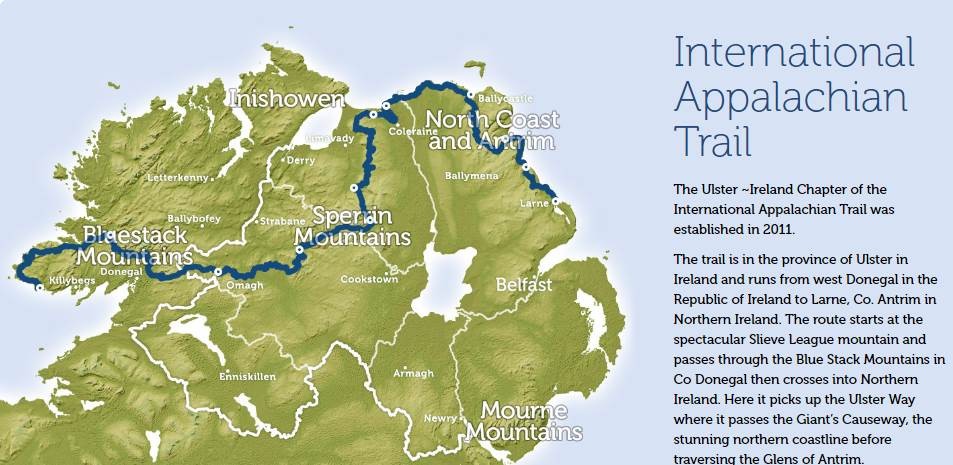
- ireland-appalachian-way.jpg (99.53 KiB) Viewed 861 times
Re: Map Layers > 3D Terrain?
Posted: Mon Sep 15, 2025 11:23 pm
by Peobody
I have always used a North Up map view. Your instructions revealed an arrow that changes that map view. North Up is my preferred view although I admit that I sometimes blindly follow the magenta line resulting in taking a left instead of a right when heading south so being able to easily toggle to a North Up view only when I feel the need could be a good thing. I have some playing to do.