Page 1 of 1
XT2 sometimes not drawing the map around the route whilst riding
Posted: Sat Aug 16, 2025 8:05 am
by mmi64
Just did NC500 and had various routes set up. I don't mean in advance - I just used it like a car sat nav - put in a postcode or town each day and let it go.
Firstly I can't zoom out to see an overview of the route - it just doesn't draw the map properly around the route, so what happens is my map view gets smaller and smaller (as you'd expect) but the other bits of the map, the further out bits, are not being drawn on the device.
But also as you are riding along at certain times the bike position will update (stay central on the screen) but it seems to stray into no-mans-land and you can see the highlighted route to follow but no map!!
It can usually be jogged into showing what it ought to show by choosing a different view (pressing the return button for example) and going back to the main view, and you can sometimes see the map start to fill itself out a bit like an old 1980s video game.
It gives the general impression that the GPU processor isn't powerful enough for the job.
I'm not asking it to do too much - just bluetoothed to my Cardo headset and my iphone is also connected with Tread running. I'm not playing any media and have the basic UK maps installed only.
Does anyone have any ideas? or is this just a limitation of these devices?
Re: XT2 sometimes not drawing the map around the route whilst riding
Posted: Sun Aug 17, 2025 11:25 pm
by smfollen
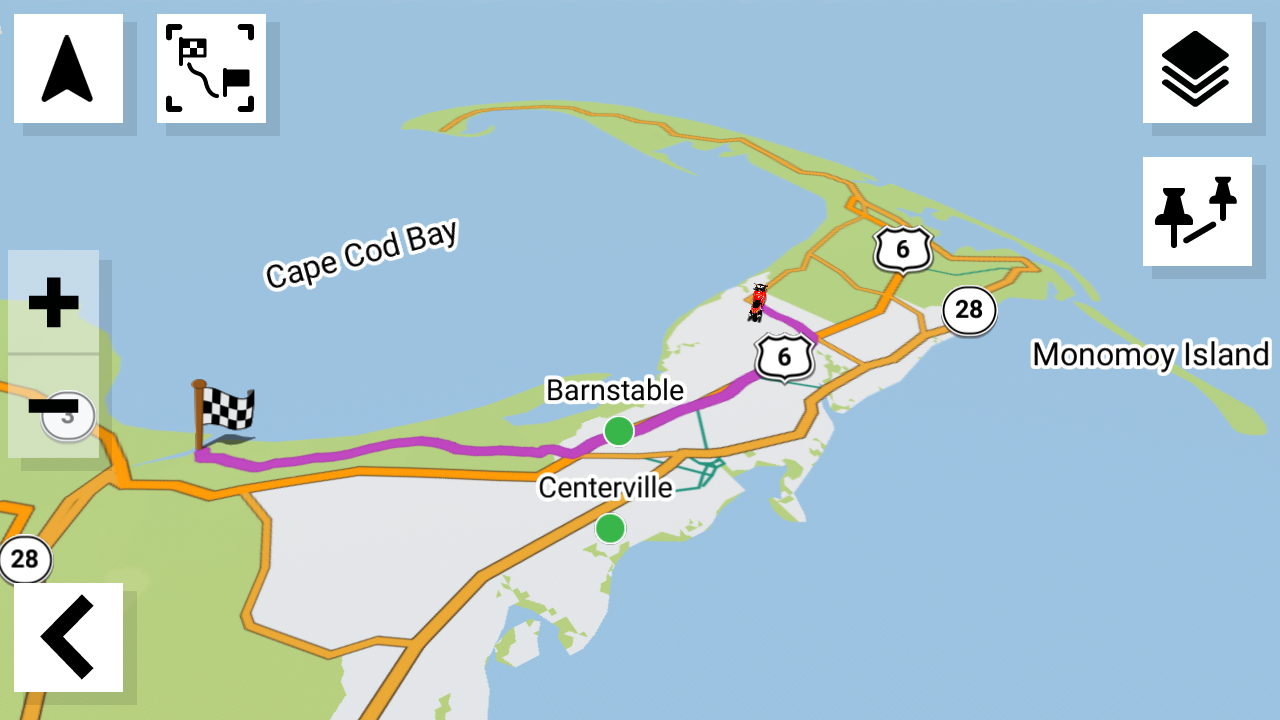
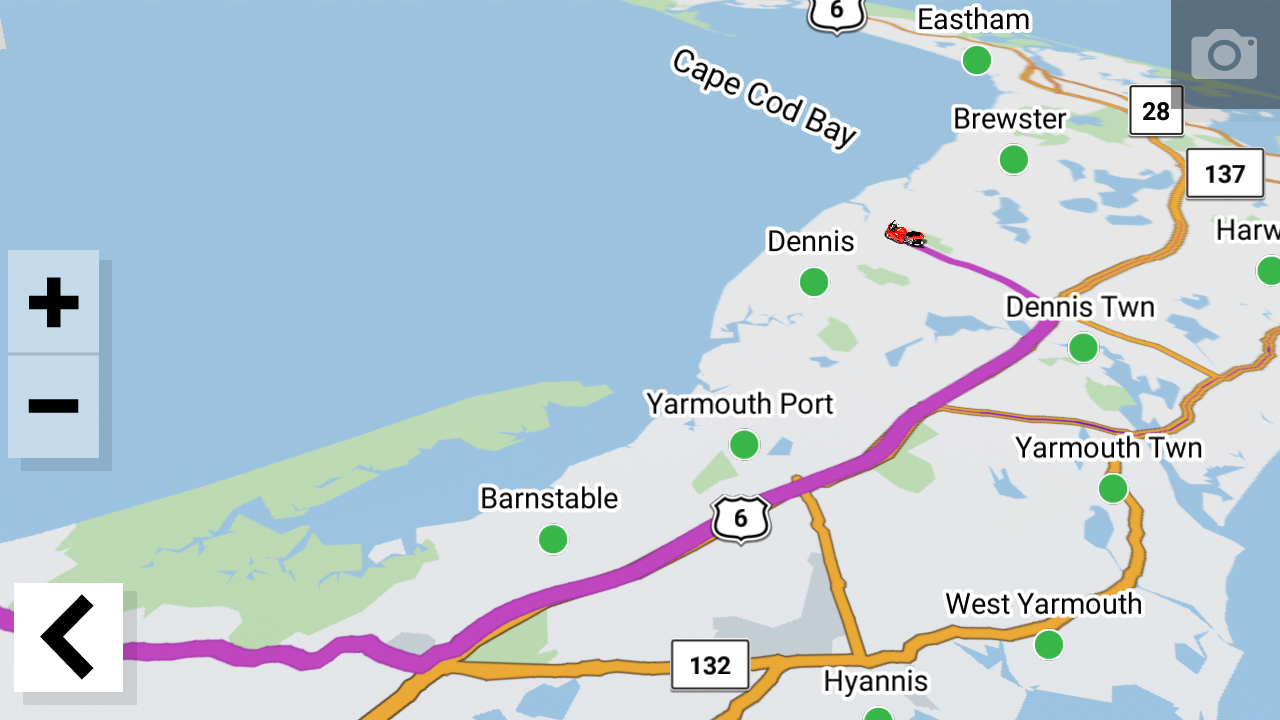
To check this for you, (while stationary), i just tapped "where to", entered a location miles away, tapped Go and zoomed out. The map filled in just fine. Screen shots below.
I did not have anything else going at the time. I do not use the Tread app at all.
This doesn't give you any info as to why the issue you report is happening, but hopefully it helps a little at least.
- 1440437.png (707.42 KiB) Viewed 437 times
- 1441947.png (785.46 KiB) Viewed 437 times
Re: XT2 sometimes not drawing the map around the route whilst riding
Posted: Mon Aug 18, 2025 8:08 pm
by smfollen
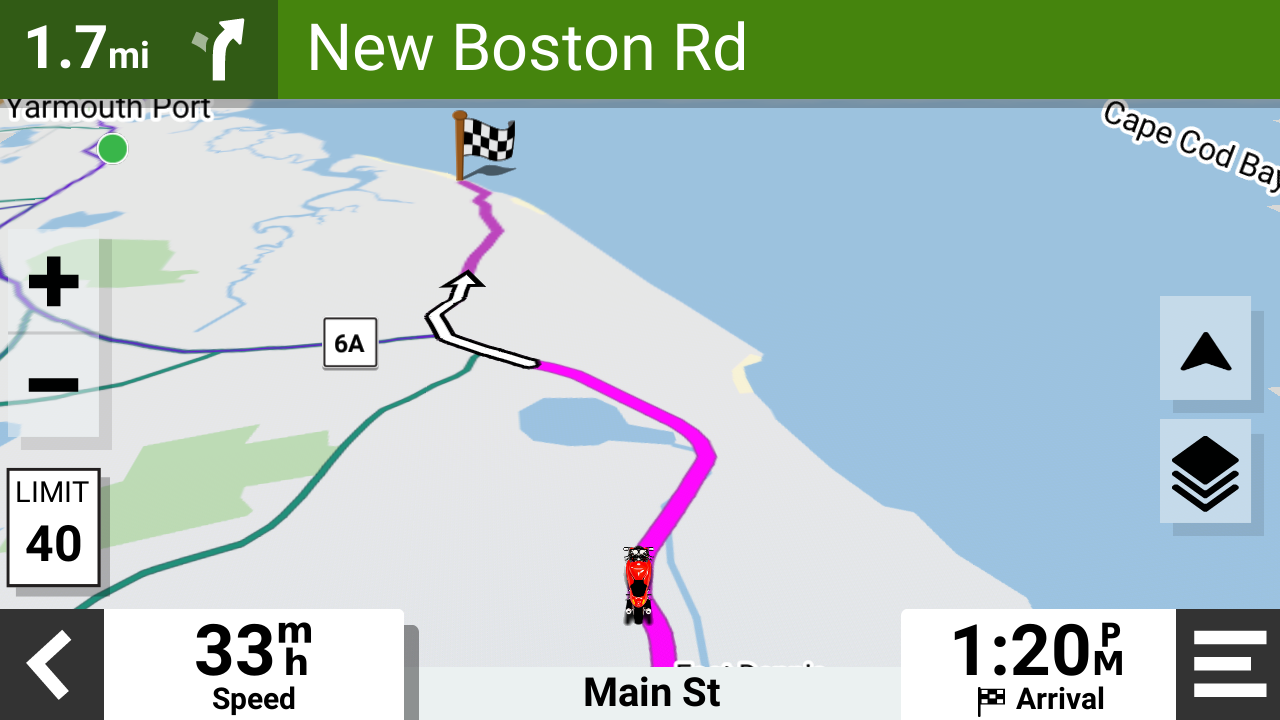
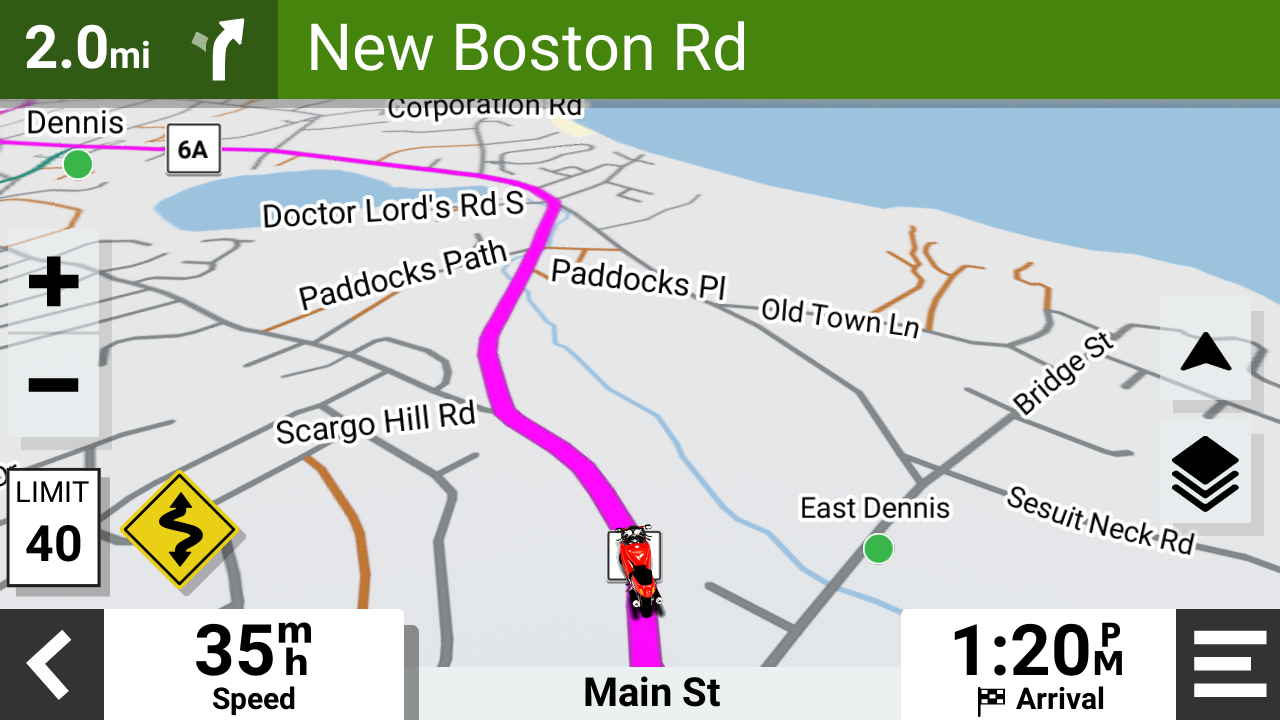
I checked again today while out riding. Map still displayed OK while following a "where to" route and zooming out.
My Sena 10C Pro was connected to the XT2. I was getting spoken directions in the headset. Nothing else connected to the XT2.
(I do have my phone connected to the Sena but that shouldn't matter.)
- 24004.png (719.67 KiB) Viewed 417 times
- 21147.png (905.94 KiB) Viewed 417 times
Re: XT2 sometimes not drawing the map around the route whilst riding
Posted: Wed Aug 20, 2025 10:56 am
by mmi64
I do rather wonder if this is basically to do with local 4G network.
I had always assumed that the entire map is downloaded to the device but perhaps not..?
When I try all these things at home on the solid wifi it's pretty good at drawing quickly - even when I look at out of the way locations in Scotland where I was riding the other week.
It's still not instant but does draw it quite quickly - but what I experienced whilst actually on the road in locations with not much in the way of phone signal made me question whether the maps are all cached in the device.
And how would you check??
The biggest snag is this one:
You're in the middle of nowhere or in a one horse town and want to go 150 miles to another known location - so you set the town name or postcode and Zumo provides a route - but then you want to look at an overview (by zooming out) to see which route it's going to be taking you - can I avoid a trunk road - etc.. but the device never catches up so you just can't see any roads at all except the ones in your immediate vicinity. The workaround is to get an iphone out and look at the same thing on google or whatever (which you can see!!) and maybe add a waypoint or two somewhere on route. All very clumsy.
The next big snag is this one:
During your route (that you've been riding for an hour or more) there are some obvious navigation steps coming up so you want to pay attention to the Zumo. Only to find that it is not showing the route ahead sufficiently to show you which way or what shape the roads and junctions are. Zooming out doesn't help - you are just faced with blank bits of screen where a map should be.
This didn't happen too often but often enough for me to post about it!! And to wonder whether Zumo XT2 is the way to go at all..?
It only really happens in sparsely populated areas though.
Re: XT2 sometimes not drawing the map around the route whilst riding
Posted: Wed Aug 20, 2025 1:12 pm
by smfollen
The entire map is installed onto the device, not downloaded on the fly. The zumo works without any phone or wifi connection so it can't be downloading the map. On the zumo, you can see what maps are installed by going to Settings->Map Display -> myMaps. Make sure the latest maps for your area are installed and selected. You can check for map updates at Settings -> Updates or using the Garmin Express app on a personal computer.
I have never experienced what you describe, nor heard of it from anyone else. It is not expected XT2 behavior.
You might try stopping other activities like Tread App sync by turning off the phone connection. That is, see if the issue is with the zumo itself or something related. If the issue occurs with nothing else going, then maybe contact Garmin support about a defective device?
Re: XT2 sometimes not drawing the map around the route whilst riding
Posted: Wed Aug 20, 2025 11:02 pm
by mmi64
Thanks - I shall consider a way forward - the problem is always going to be repeating the behaviour. And doing trial-and-error things.
And I don't plan on another similar trip again now this year!
But from replies here, it does seem like I probably ought to be trying to contact Garmin and see what kind of response they can offer.