This was a comment that I made as an off-hand in another thread, which was picked up by @Peobody.
From a personal point of view, if I am trying to explain something and I want to illustrate it, particularly with a single Zumo screen shot, it would be clearer if the full size image was displayed full size.
But I don't think 8Mb is the limiting factor in this case.
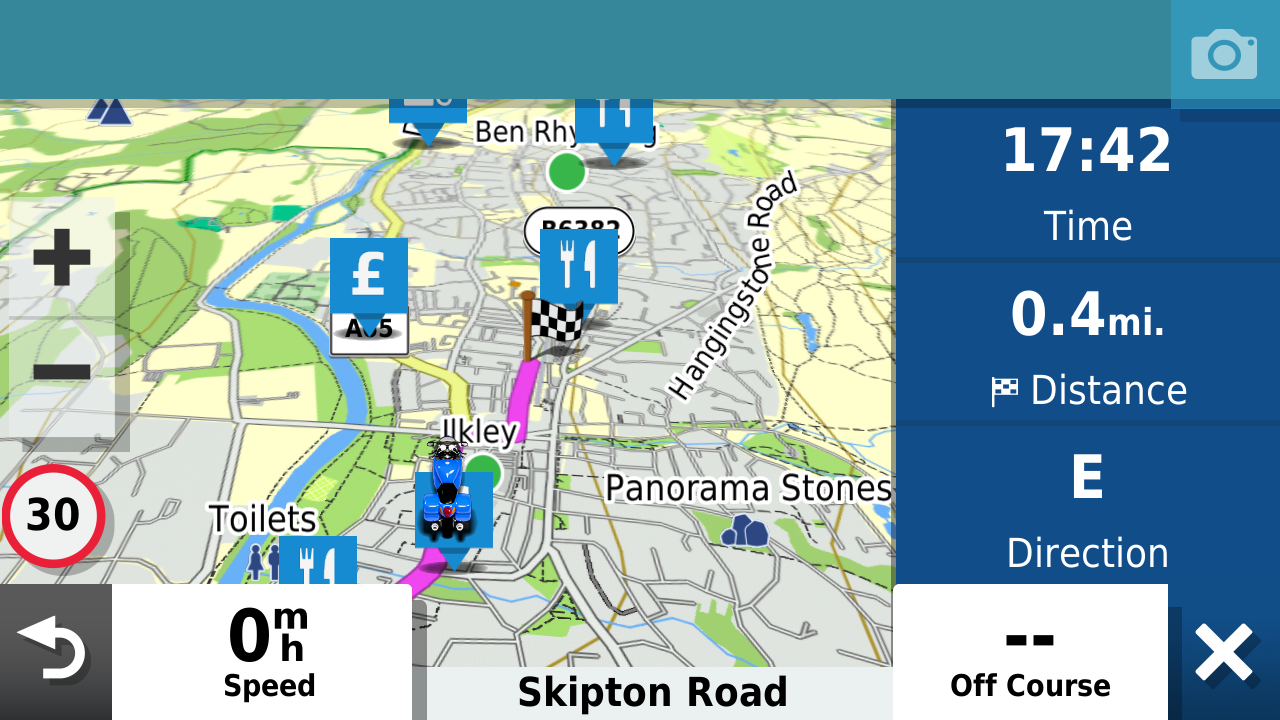
The screen shot below is a full size 1280x720 .png file which is 656Kb.
- 218587.png (746.9 KiB) Viewed 13941 times
-------
This one is probably better at 50% size - 640 x 360 = 207Kb
- 50pc.png (232.39 KiB) Viewed 13941 times
-------
And this one is 33% size at 422 x 238 = 106Kb
- 33pc.png (119.6 KiB) Viewed 13941 times
All are well below the 8Mb limit, but the first two get resized to about 493 x 277.
I think for the screenshot images (which I tend to use a lot) the 50Pc size is about the right size to illustrate an explanation and it will fit well within the forums text Window - on a landscape PC screen. BUT - how it would display on a handheld device is another issue. Maybe the displayed size limit is to do with making the forum readable on as many devices as possible ?
EDIT - having had this sitting half completed for a while, I've just come to finish it off.
These images are displaying much more legibly now !!
Have owned Zumo 550, 660 == Now have Zumo XT2, XT, 595, 590, Headache
Use Basecamp (mainly), MyRouteApp (sometimes), Competent with Tread for XT2, Can use Explore for XT - but it offers nothing that I want !
Links:
Zumo 590s .
Zumo XT & BC .
Zumo Navigation Booklet .
Zumo XT2 


 (I hope this actually works.)

